AI Legal Document Assistant
An AI-powered document creation platform that speeds up legal work by suggesting phrasing, organizing tasks, and automating repetitive processes.
00
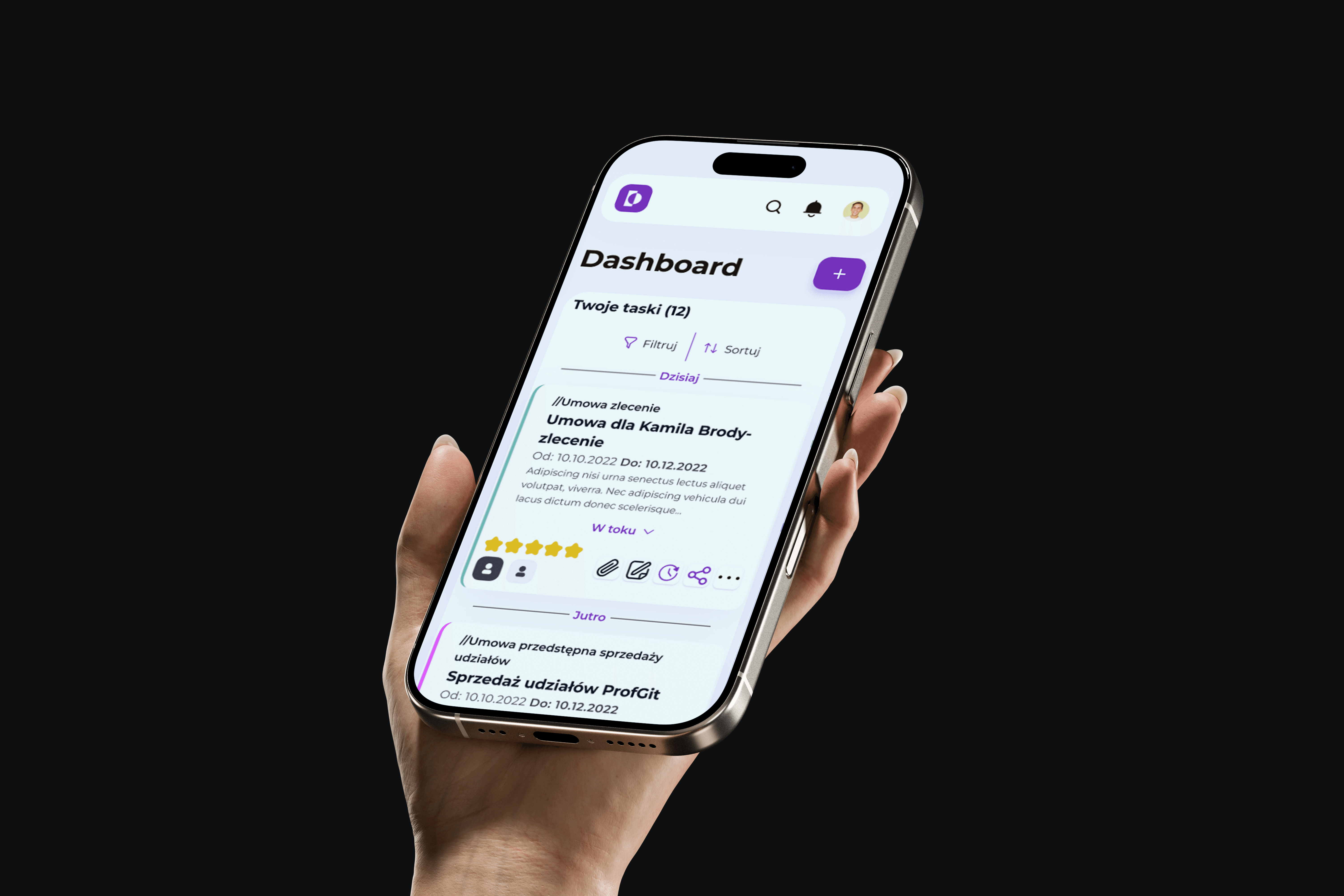
problem
Corporate lawyers spend most of their time on repetitive work. Drafting documents means pulling the same legal quotes, using the same phrasing, and citing the same parts of the law over and over. Keeping track of client communication is another drain, with lawyers needing to remember to circle back, match documents to email threads, and share drafts without losing version control. The process was slow, error-prone, and frustrating. Time spent on repetitive tasks was time not spent on complex legal thinking, and clients were waiting longer than necessary for documents they needed.
solution
An AI-powered dashboard that streamlines document creation by analyzing what lawyers are writing and suggesting proper phrasing, legal jargon, and relevant quotes. The system automates organization by tracking client communication, matching documents to email threads, and integrating with Google Docs for easy sharing. By handling the repetitive parts of legal work, the platform lets lawyers focus on strategy and client relationships while cutting document creation time and reducing errors. The AI was built before ChatGPT went mainstream, using custom training with PhD university students to create a tool specifically designed for legal workflows.
I joined the project as Lead Product Designer in 2022, working with the founders from the idea stage through branding, pre-seed fundraising, investor presentations, development, UX design, research, and testing.
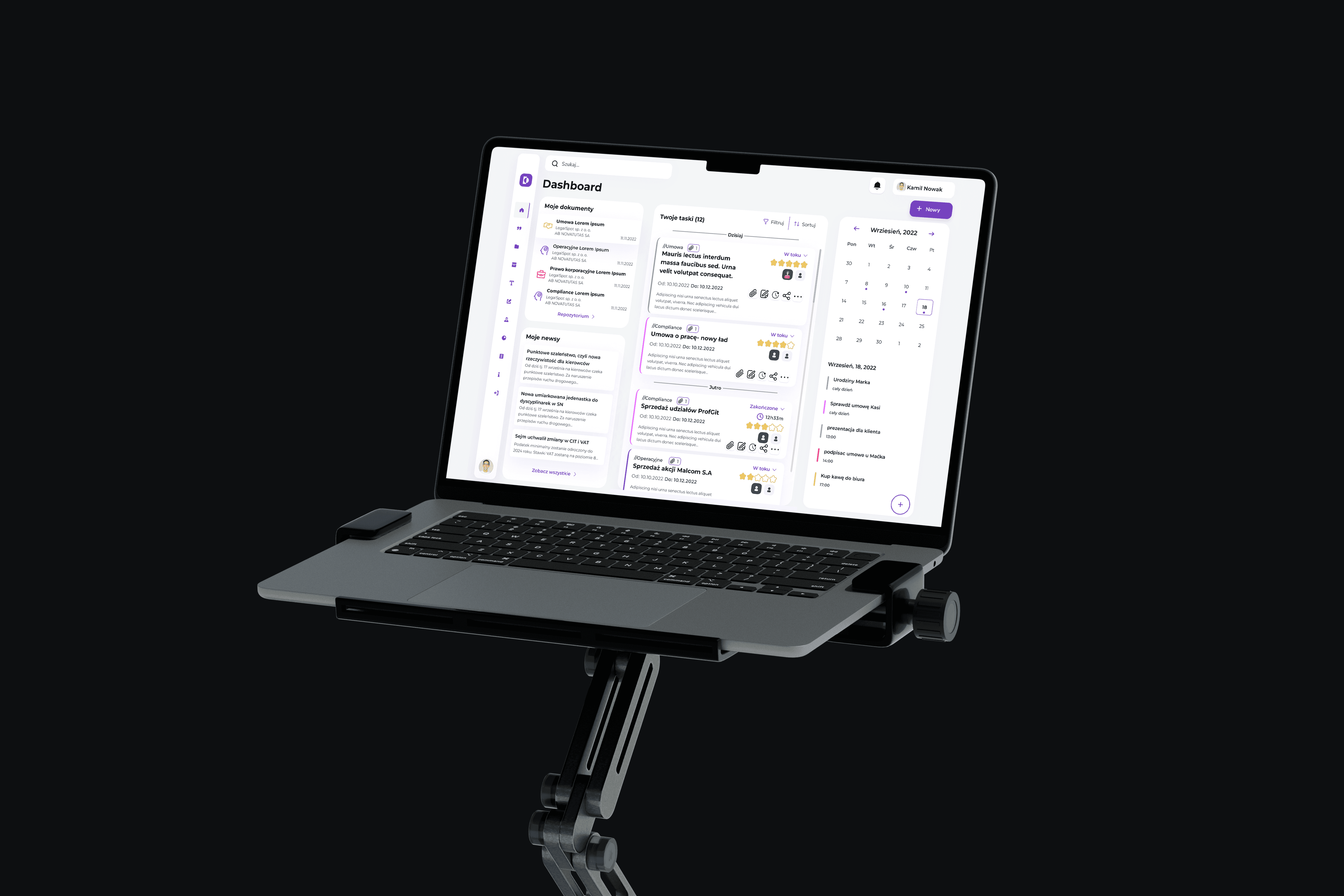
The timeline stretched between four and six months, covering everything from concept workshops to post-launch iteration. This was one of two major AI projects I worked on before commercial AI became ubiquitous, which gave me unique insight into how to design for intelligent systems before the industry caught up.
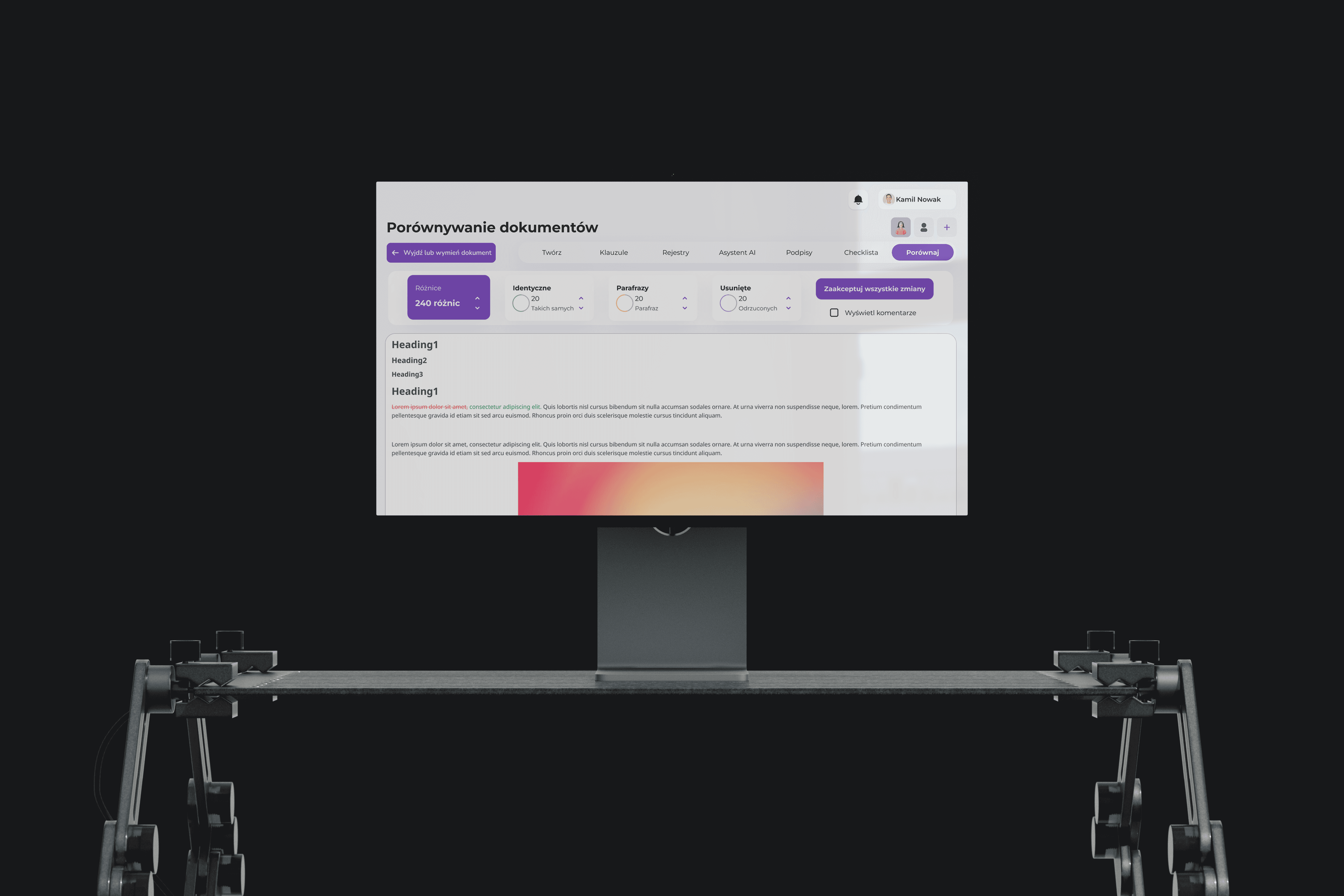
The AI features were the core of the product. We trained the system to analyze documents in progress and suggest appropriate legal language, citations, and phrasing based on context. This wasn't just autocomplete, it was understanding what the lawyer was trying to accomplish and providing relevant, accurate suggestions that sped up the writing process. The AI also handled task organization, reminding lawyers to follow up with clients and automatically matching documents to email threads so nothing got lost.
Integration with Google Docs was critical for making the platform useful in real workflows. Lawyers needed to share drafts with clients easily, and tying into a tool they already used reduced friction significantly. We designed role-based access controls for partners, associates, paralegals, and clients, each with different permissions and views. Audit trails tracked changes and approvals, which was essential for legal compliance and client trust.
Micro-animations played a bigger role than expected. Loading states, save confirmations, undo actions, and progress indicators all needed careful timing to feel responsive without being distracting. We built in "reduce motion" handling for accessibility and made sure every animation served a functional purpose, whether it was confirming an action or guiding attention to important updates.
Edge cases required significant design attention. Incomplete data, conflicts between document versions, and offline scenarios all needed graceful handling that protected users from losing work or making mistakes. We tested extensively to make sure the UI caught problems before they became serious issues.
The results were dramatic. Document creation time dropped by an average of 25 minutes per document. Satisfaction scores jumped 75%. Adoption hit 90% among the legal teams using the platform, and support queries dropped 40% because the system was intuitive enough that people didn't need constant help. The AI suggestions weren't just fast, they were accurate, which built trust with lawyers who were initially skeptical about letting a machine suggest legal language.
We measured task time, handoffs between team members, and satisfaction scores throughout testing and used that data to inform iterations. Tracking completion rates and eye movement patterns revealed where users were getting stuck, which led to design tweaks that made the interface clearer and faster. The project demonstrated that AI can meaningfully improve professional workflows when it's designed around real user needs rather than just showcasing technology for its own sake.
01
see also
0D0F11